

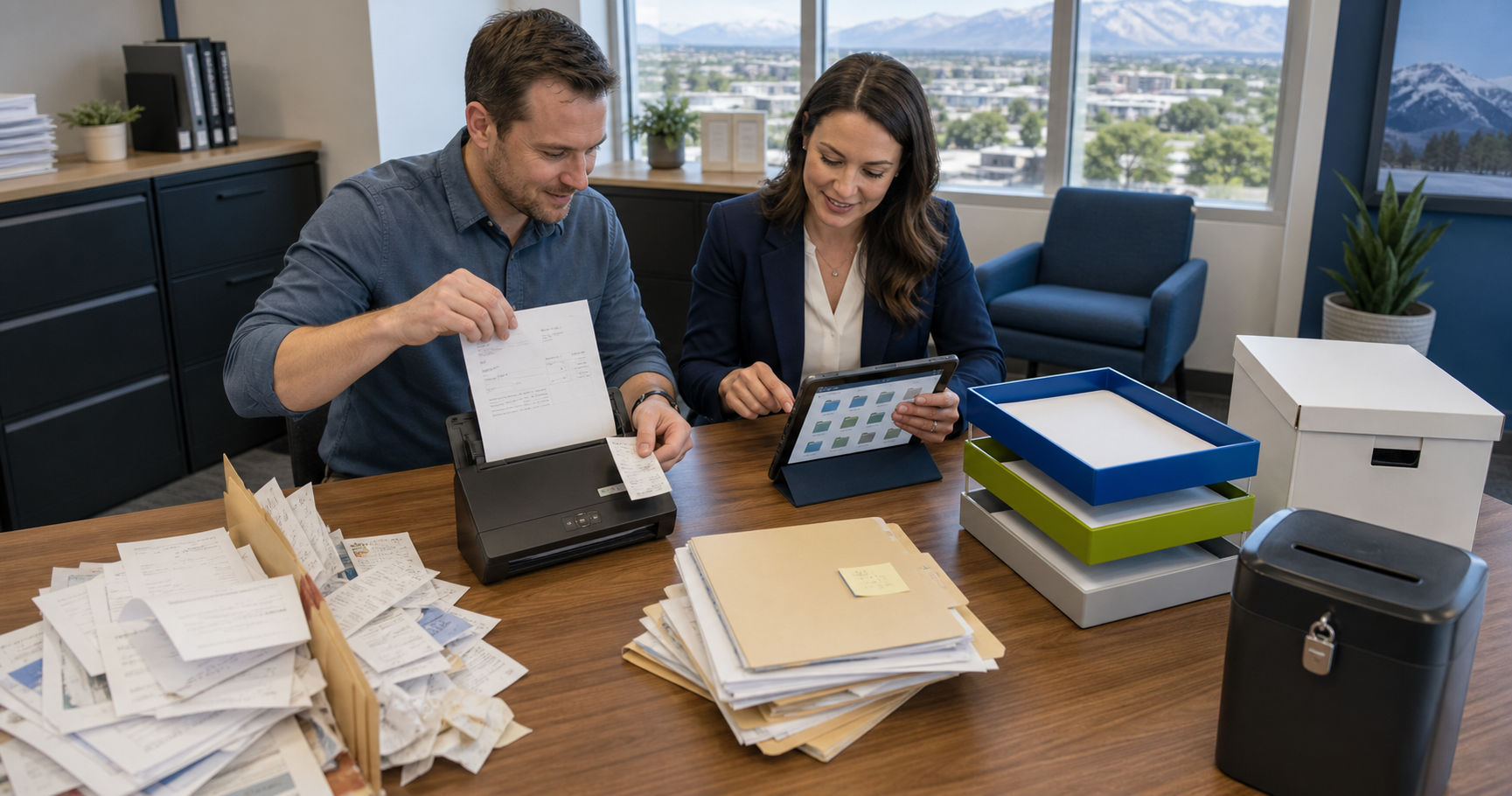
Paper-based accounting is not just inconvenient — it is actively risky. Paper receipts fade. File folders get misplaced. Physical documents are destroyed by fire, water, or simple disorganization. And when the IRS asks for documentation from three years ago, “I think I filed it somewhere” is not an acceptable answer.
FJ & Associates, PLLC helps Utah small businesses replace paper-based accounting workflows with digital systems that are faster, more organized, more accessible, and fully IRS-compliant. Going paperless is not a technology project — it is a workflow redesign, and we guide you through every step.
Ready to go paperless? Call (801) 927-1337 or email admin@cpaone.net.
What the IRS Says About Digital Records
The most common concern about going paperless: “Will the IRS accept digital records?” The answer is yes — with appropriate conditions.
Revenue Procedure 98-25 and the IRS’s position on electronic records establishes that digital records are acceptable substitutes for paper when they:
- Are stored in a format that can be retrieved and reproduced accurately
- Can be retrieved and converted to readable format upon IRS request
- Are backed up and protected from alteration
In practice, this means digital receipts stored in your accounting software, a document management system, or a cloud storage service are fully acceptable for IRS audit purposes — and are often superior to paper records because they can be retrieved instantly and searched.
The key requirement: do not alter digital images of receipts or invoices. Store them as captured, with timestamps where available.
The Paper Documents That Need to Go Digital
Receipts and Vendor Invoices
Every paper receipt — meals, office supplies, fuel, equipment, tools — should be digitized at the point of capture. Mobile apps (Hubdoc, Dext, Expensify) photograph receipts and extract data immediately. The paper receipt can then be discarded. The digital image is attached to the transaction in your accounting software, creating a complete audit trail.
Customer Invoices
If you’re still mailing paper invoices, you’re delaying payment and creating processing complexity for your customers. Cloud accounting software generates, sends, and tracks invoices electronically — with payment links that allow customers to pay immediately by ACH or credit card.
Vendor Contracts and Agreements
Vendor agreements, lease agreements, insurance policies, and professional service contracts should be stored in a digital document management system — organized by vendor and searchable. Google Drive, Dropbox, or SharePoint are adequate for most small businesses; document management tools like Hubdoc store documents attached to their corresponding accounting transactions.
Payroll Records
Employee W-4s, pay stubs, and payroll tax filings should be retained digitally. Modern payroll platforms store these electronically and allow employees to access their own records through self-service portals.
Bank and Credit Card Statements
Most banks retain digital statements for 7 years through online banking portals. We recommend downloading and archiving these quarterly rather than relying on the bank’s portal indefinitely — banks occasionally purge older statement history.
Tax Returns and Supporting Documentation
All filed tax returns and their supporting workpapers should be retained digitally in a secure location for a minimum of 7 years. We provide digital copies of all returns we prepare to clients.
Building Your Digital Document System
A paperless accounting system requires three components:
1. Capture — the process of getting paper into digital format
- Mobile receipt scanning (Hubdoc, Dext, Expensify) for receipts
- Vendor invoice email workflows for supplier invoices
- Electronic signature tools (DocuSign, Adobe Sign) for contracts and agreements
2. Storage — where digital documents live
- Cloud accounting software (transactions with attached receipts)
- Cloud document storage (Google Drive, Dropbox, SharePoint) for contracts and reference documents
- Payroll platform (employee records and pay history)
3. Retrieval — the ability to find what you need when you need it
- Consistent folder and file naming conventions
- Search functionality (all major cloud storage systems are searchable)
- Accounting software transaction search (find any transaction and pull up its supporting document immediately)
We design this system during accounting setup and train your team on the workflow — typically requiring 30 minutes for the initial training and minimal ongoing effort.
Common Paperless Transition Questions
“What about documents I’ve already generated physically?”
For existing paper records you want to digitize: use a mobile scanning app (Adobe Scan, Microsoft Lens, or your phone’s built-in scanner) to create PDFs of important documents. Focus on the current and prior two tax years — those are the most likely to be needed for an IRS inquiry.
“What if an employee is not comfortable with technology?”
The receipt capture workflow — photograph receipt with phone, done — is the most complex interaction most employees need to have. We select tools based on simplicity and provide brief training. In our experience, resistance to digital receipt capture evaporates after the first month.
“How long do I need to retain digital records?”
The IRS general rule is 3 years from the return due date. But the statute of limitations extends to 6 years if income was understated by more than 25%, and there is no limitation period for fraud or unfiled returns. We recommend a 7-year minimum retention policy for all financial records.
The Benefits of Going Paperless, Quantified
For a typical Utah small business that goes fully paperless:
- Monthly bookkeeping time reduced by 30–40% — no paper sorting, no manual data entry from receipts
- Tax season preparation reduced by 2–4 hours — all documentation already organized and searchable
- Audit response time reduced from days to hours — any document retrievable in seconds
- Storage costs eliminated — no filing cabinets, no off-site document storage
- Lost receipt risk eliminated — every expense documented at capture
Get Rid of the Paper and Keep Control of Your Records
Going paperless does not mean losing track of your documentation — it means finding any document in seconds rather than digging through filing cabinets. Let FJ & Associates design and implement your paperless accounting workflow.
Call (801) 927-1337 | Email admin@cpaone.net | 612 N Kays Dr Suite 120, Kaysville, UT 84037
About the Author: Missy Dennis, CPA
Partner | FJ & Associates, PLLC | Kaysville, Utah
Missy holds a Master of Accounting degree from the University of Utah and is a licensed Certified Public Accountant. She is committed to providing clear, accurate, and actionable guidance so clients can navigate complex financial decisions with confidence. With more than twenty years of public accounting experience, Missy Dennis specializes in: tax preparation and tax advisory; bookkeeping strategy alignment; estate and trust taxation; audit and consulting services; low-income housing tax credits; non-profit accounting; and small- and mid-sized business advisory.
